Pair at the PC
Start a short-lived QR or code challenge and approve the named device locally.
I’m connecting a browser to an old-school IRC session without replacing the client.
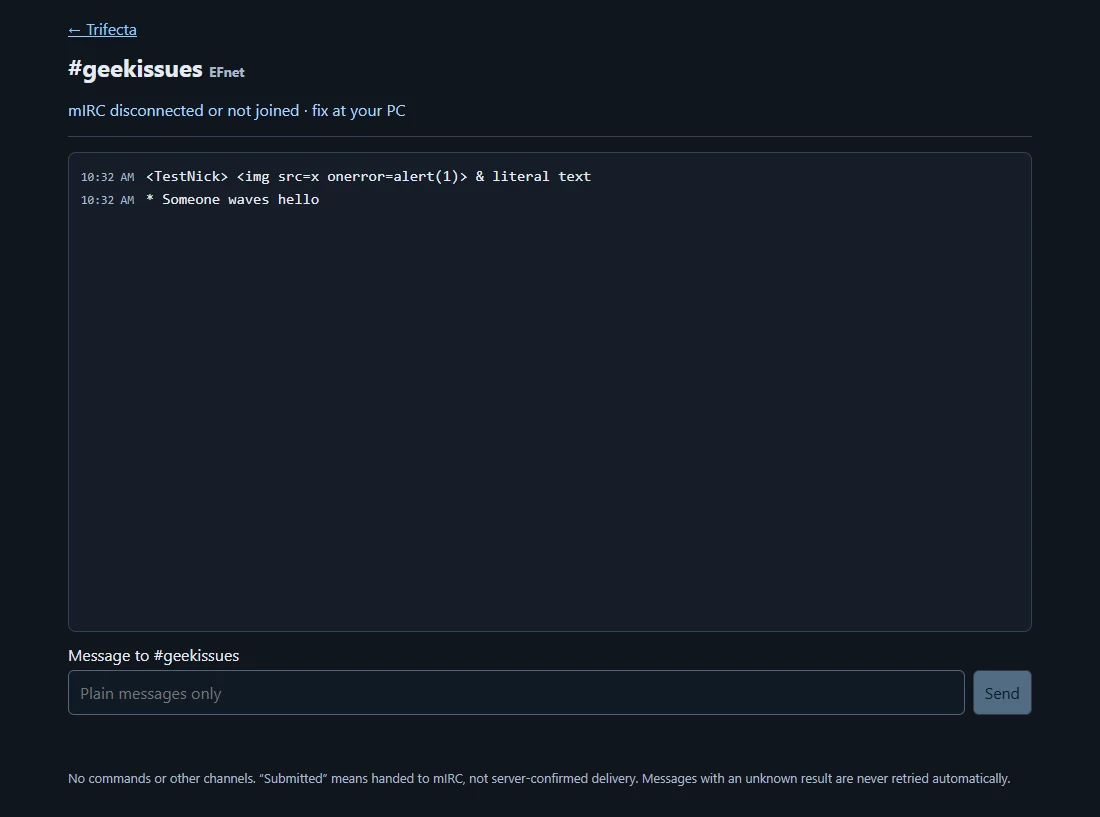
The owner already had mIRC. The bridge gives a paired browser a view of that connection and a plain-text path back to it.
The designer kept the job specific: pairing at the PC, a fixed destination, and clear disconnected and uncertain-send states. No AI participant was added to the conversation.
Start a short-lived QR or code challenge and approve the named device locally.
The browser receives bounded history and sends plain text through the fixed mIRC bridge.
Show disconnected states and keep uncertain sends distinct from confirmed local handoff.
mIRC script and bridgeA fixed-purpose connection between the existing client and browser service.Guided pairing UIQR/code enrollment, matching confirmation and PC approval.Synthetic browser fixturesLiteral-text rendering, disconnected behavior and device flows without publishing real chat.The bridge and guided pairing flow are implemented. The saved screenshot uses test text, leaving the owner’s conversations private.